Every device managed, protected and ready for work
Every laptop, desktop and mobile device connected to your business creates another point that needs to be maintained, secured and kept up to date. As your team grows, managing those devices manually becomes difficult — and unmanaged devices quickly become an IT and security risk.
Bluefire provides centralised endpoint management across your business, giving you greater visibility and control over the devices your employees use every day. From deployment and configuration through to patching, monitoring, security and eventual replacement, we manage the complete device lifecycle.
Know what's connected to your business
You can't effectively manage or protect devices you don't know about. Bluefire gives your business a centralised view across managed endpoints, helping identify device health, software status, outstanding updates and potential issues.
Instead of maintaining spreadsheets or relying on users to tell you when something goes wrong, your IT environment becomes actively monitored and centrally managed.
Maintain visibility across managed computers and devices.
Keep operating systems and supported applications updated.
Diagnose and resolve many device issues without requiring an onsite visit.
Apply consistent business settings and configurations.
Assist with deployment and management of business applications.
Maintain a clearer picture of the technology operating throughout your business.
From first deployment to final retirement
Business devices have a lifecycle. Bluefire can manage each stage so your employees receive properly configured equipment and ageing hardware doesn't remain forgotten within your environment.
Device lifecycle detail
We help select appropriate business-grade hardware based on the employee's role and requirements.
Devices are prepared with the applications, accounts, policies and security controls required by your organisation.
Equipment is delivered ready for the employee to get to work.
Health, updates and supported configurations can be centrally maintained throughout the device's working life.
Ageing equipment can be identified and replacement planned before hardware failure forces the decision.
Keep vulnerabilities from becoming opportunities
Software updates aren't simply about receiving new features. Security vulnerabilities are continually discovered across operating systems and applications, making timely patching an important part of maintaining a secure IT environment.
A weakness is discovered in an operating system or application.
The vendor releases a patch addressing the vulnerability.
Updates are centrally managed and rolled out across supported endpoints.
The device is brought back in line with your business standard.
Bluefire helps centrally manage updates across supported endpoints, reducing reliance on individual employees to manually maintain their computers.
Consistency makes IT easier to manage
When every employee's computer is configured differently, troubleshooting takes longer and maintaining security becomes harder.
Bluefire helps establish consistent configurations across your managed fleet so devices follow appropriate business standards. That means fewer configuration-related problems, easier support and a more predictable experience for employees.
Endpoint management works alongside Bluefire's IT support and cybersecurity services to move your business away from purely reactive IT. Monitoring, maintenance, patching and support work together so your devices remain productive throughout their lifecycle — while your employees have access to our team when something does go wrong.
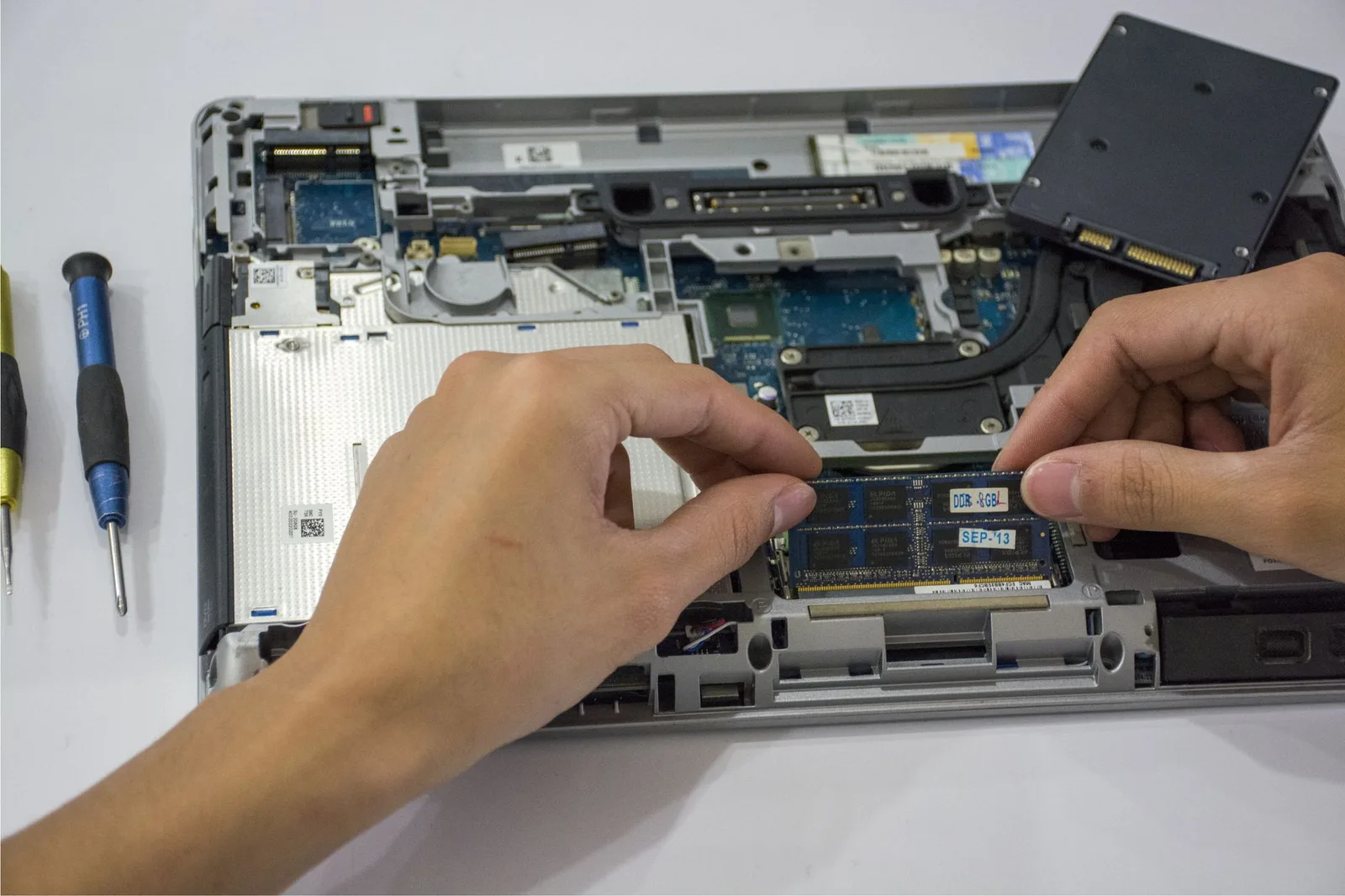
Better visibility. Better control. Less IT administration.
The questions we get asked most
What is endpoint management?
Can Bluefire manage devices for remote employees?
Do you provide patch management?
Can you supply our computers as well?
Can you manage our existing computers?
What happens when our devices get old?
Make every business device easier to manage
We'll review your existing fleet, identify management and security gaps and recommend a more consistent approach to managing your endpoints.
Related services
IT Support
Give every employee somewhere to turn when technology gets in the way.
ExploreEndpoint Protection
Add dedicated cybersecurity protection across your business devices.
ExploreMicrosoft 365 Management
Manage the Microsoft services, identities and applications your employees use across those devices.
Explore